Public Hunts
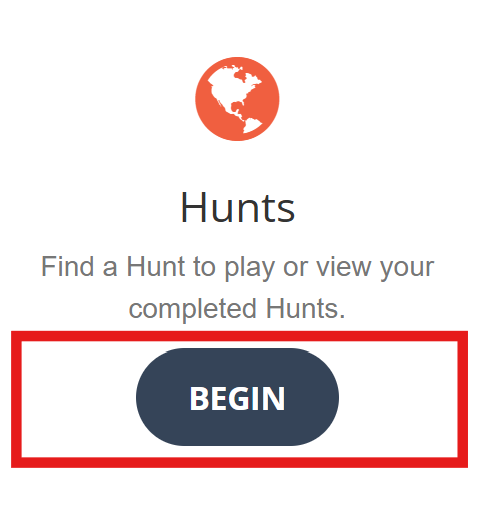
Click the Begin button on the home page under the Hunts heading to access the public hunts page.
The public hunts page is where you browse and search for interesting hunts to play. Most hunts are
public and available for everyone to play. Hunt creators can optionally mark a hunt as being private and share a direct link with their friends.
Private hunts do not appear on the public hunts page.
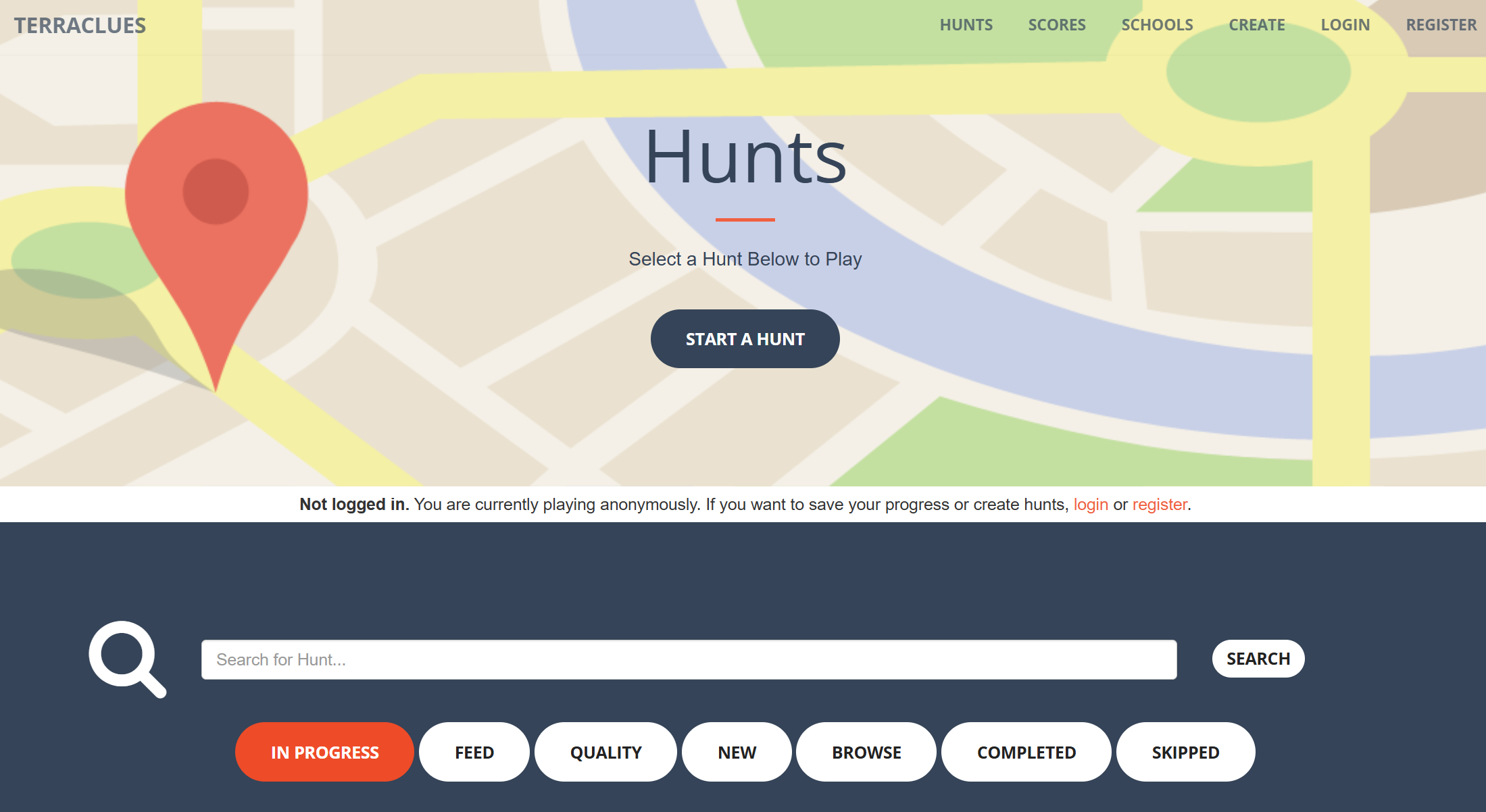
You don't need an account to play TerraClues. You can play anonymously if you prefer and your progress will be associated with your current browser session. Note, if you clear your browser cookies, all progress wil be lost. Crteate an
account to keep your progress regardless of which computer or browser you are on. Watch for a banner to alert you if you have not logged in
yet and are playing anonymously. Use the links in the banner to login or register for an account.
Search and Speed Dial Buttons
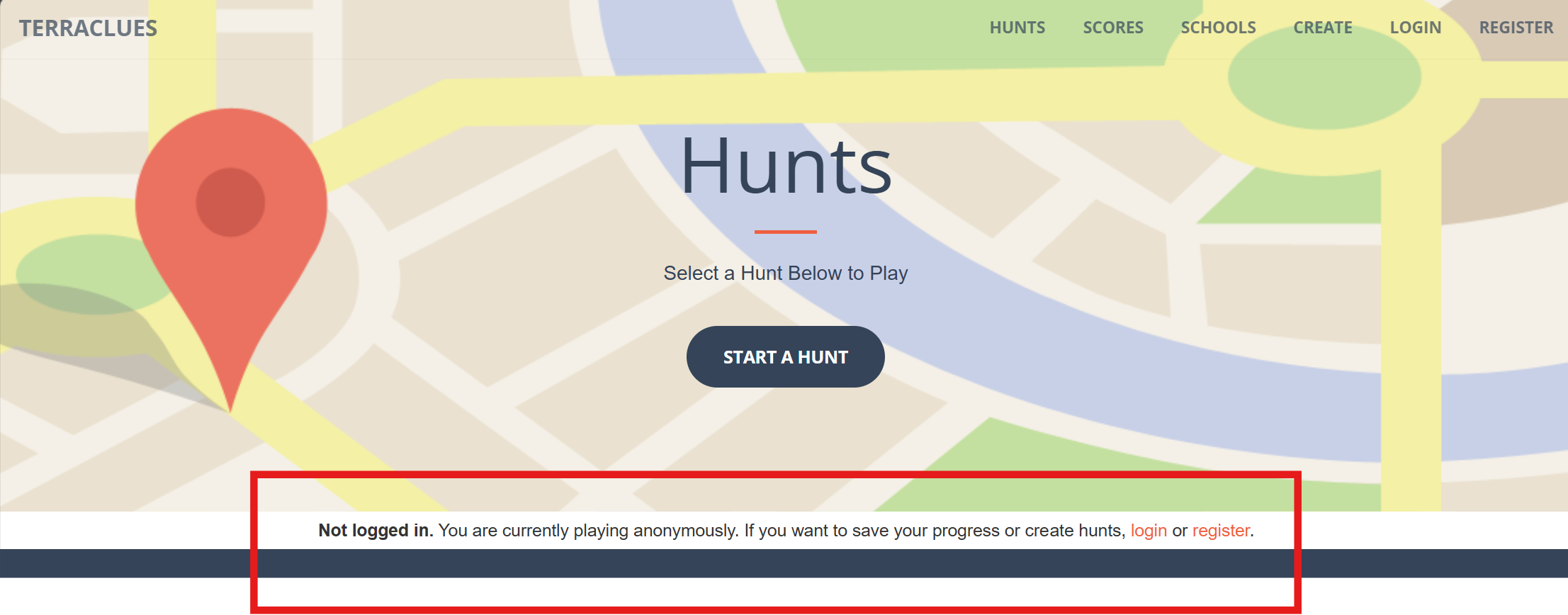
Use the search bar to filter the list of hunts. Enter a keyword and click the Search button to see if there is a hunt about a topic you are interested in. Or,
click one of the speed dial buttons to quickly find hunts you played previously or hunts that are top rated.

- In Progress - Hunts that you started but have not completed yet.
- Feed - Recently created quality hunts that you have not completed yet. Ordered by most recently created.
- Quality - Top quality hunts that you have not completed yet. Ordered by quality score.
- New - New hunts that you have not completed yet. Ordered by most recently created.
- Browse - All hunts, regardless if you played, completed or skipped them. Ordered by quality score.
- Completed - Hunts that you completed and are no longer in your feed.
- Skipped - Hunts that you skipped and are no longer in your feed.
After searching by keyword or using a speed dial button, search results appear below showing 10 hunts per page.
Click a page number to see additional pages. If you have not started a hunt yet, the hunt overview will show
on the hunt card. If you played the hunt previously, the current clue will show which could be text, an image or both.
Click a button to play or skip the hunt.
Hunt Cards
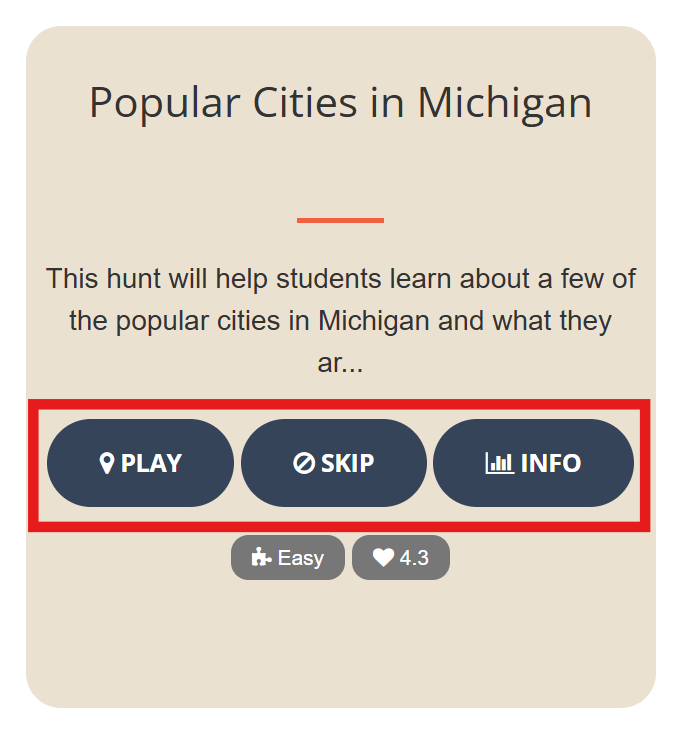
- Play - Start or continue the hunt.
- Skip - Skip or abort a hunt in progress. This removes it from your feed. If you click Skip by mistake, you can find the hunt again by searching, browsing or clicking the Skipped speed dial button.
- Info - View the hunt overview and access links to rate, comment or share.
More Help Topics